
How to Check Your Website on a Phone Without Any Tools
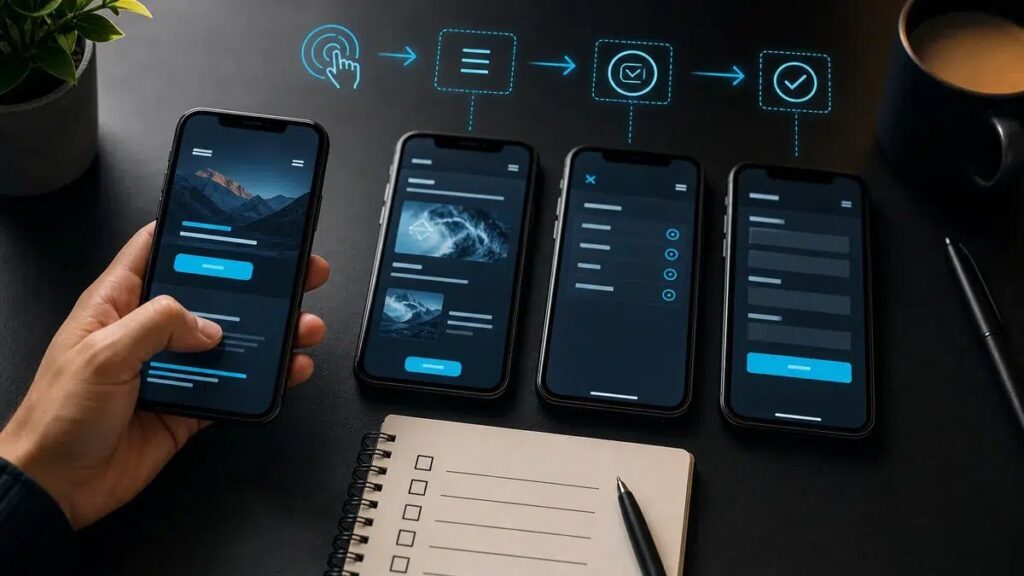
For most small businesses in the US and Canada, a large share of visitors arrive on a phone, often while standing in a driveway, sitting in a waiting room or searching “near me” between jobs. That makes checking your mobile site a core task, not an extra. The good news is you do not need any special tools. A phone, ten minutes and a little patience are enough.
A site can look excellent on your office computer and still be a headache on a phone: buttons too tiny to tap, a menu that fills the screen, a form that runs off the edge. If you only ever look at the desktop version, you can miss a problem that your customers hit every single day.
What good looks like, and what usually goes wrong
A good mobile site works with one thumb. Text is readable without pinching to zoom, buttons are easy to hit, the form fits the screen, the page loads quickly and does not slide sideways. Typical failures are a tap target that is too small, a popup that covers the content, a menu that will not close, a page that shifts around while it loads, and a phone number that is plain text instead of a tappable link.
Picture an HVAC company in Georgia with a promotion banner that covers the call button on smaller phones. On a big monitor, nobody would ever notice.
Where the risk is
Mobile problems hit your inquiries directly. The visitor cannot tap the button, the form refuses to submit, or the page takes too long and they back out. If you also pay for Google or social ads, every click that lands on a broken page is money spent for nothing.
How to check it yourself
Do it the way a customer would, not the way the site builder would.
- Turn off Wi-Fi and use your regular mobile data, so you see what a person on the road sees.
- If you can, borrow a different phone, ideally an older one or one with a different operating system than yours.
- Search for your business on Google as if you were a customer, then tap through to your site.
- Find a service, a price and the main inquiry button. Count how many taps and how many seconds that takes.
- Tap your phone number and check that it opens the dialer.
- Send yourself a test form message, and confirm it arrives in your inbox, not only that the page says “thank you”. If it does not, read how to check that a contact form really works.
- Open three to five important pages, then rotate the phone to landscape and back.
- Watch for popups, cookie banners or chat widgets that cover buttons.
When to hand it off
A basic check is easy to do yourself. But if the same problems repeat across different pages, patching one page at a time will not hold. The fix usually sits deeper, in templates, styling, image sizes, caching or the forms themselves. I can run a thorough check on a range of phones and then fix what turns up. Pricing is in US dollars, and a small fix starts from $30.