
Does a Small Business Still Need WordPress in 2026?

If you run a small business in the US or Canada and you are wondering whether WordPress is still a sensible choice for your website, my short answer is yes, with a condition. WordPress is not magic and it is not the only good option. It earns its place when you want a site that you control, that can grow with you, and that you can have launched in weeks rather than months. The condition: the technical setup has to be done properly, not just the theme installed.
I will skip the market-share numbers. They change every month, depend on who is counting, and do not help you decide anything. What matters for a contractor, a dental office or a boutique is more practical: can you get a working, professional site online without paying for a full custom design, and can someone keep it healthy afterward? With WordPress and a well-chosen premium theme, usually yes.
What a ready-made WordPress theme gives you
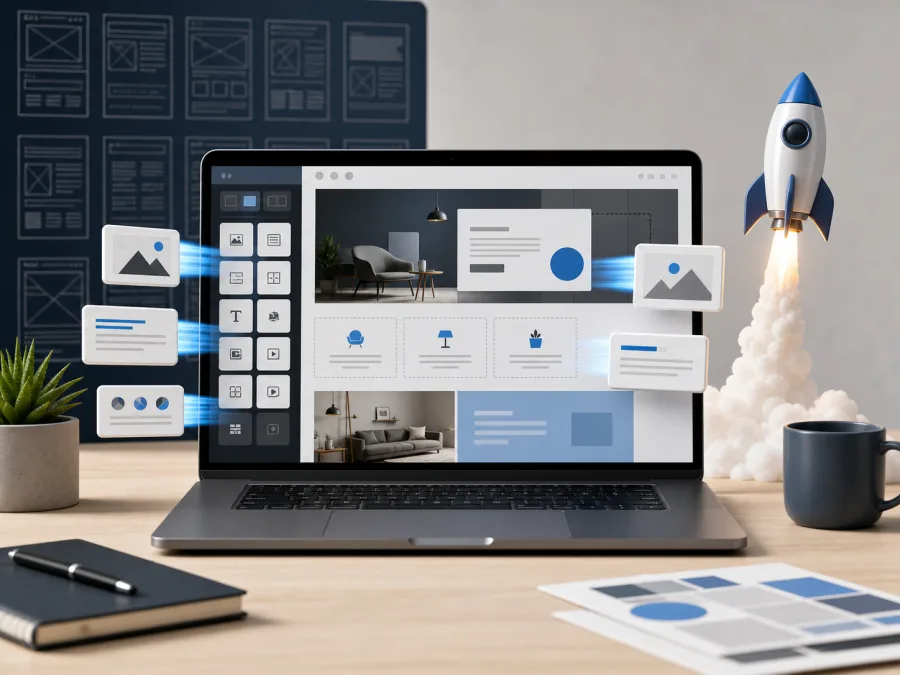
A premium theme from a marketplace such as ThemeForest is more than a pretty picture. It arrives with the skeleton of a finished site already built:
- a homepage layout and inner page templates
- service page sections
- spots for trust signals, such as reviews and licenses
- a gallery or portfolio
- a blog layout
- contact forms
- a mobile layout
- styled buttons, cards, headings and menus
- often a set of demo sites for different industries
In practice that means nobody has to design every page from zero or debate every margin. You pick the demo that sits closest to your business, replace the text, photos, colors and menu, connect the forms, and you have a working site.
For a typical local business, this is often a smarter route than a custom design. Think of a roofing company in Texas, a physiotherapy clinic in Ontario, a small accounting office, a hair salon, a café or a consultant. These businesses need clarity and speed more than a one-of-a-kind interface.
How fast can a theme-based site go live?
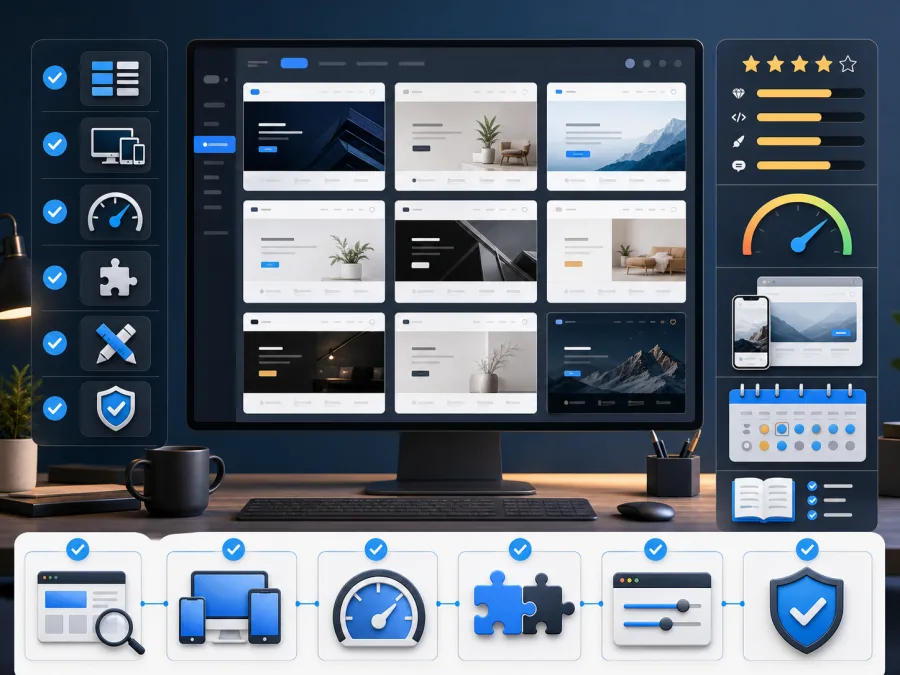
If you already have your logo, photos, a list of services and a rough idea of the pages you want, a first working version can sometimes be ready in a few days. The typical sequence looks like this:
- install WordPress and the theme
- import the demo and keep only the homepage variant you need
- delete the demo pages, posts and sliders you will not use
- replace text and images with your own
- build the menu
- connect the contact forms and test them
- handle the basic search settings
- check how everything looks on a phone
That is the real appeal. You never face a blank page.
There is a catch, though. Anyone can install a theme in an afternoon. Turning that installation into something tidy, fast and stable is a different job, and it is the one people tend to underestimate.
What you get out of the box
A good theme often includes features you would otherwise pay a developer to build one by one:
- layouts for several page types
- a responsive design that adapts to phones and tablets
- ready-made service blocks and project cards
- a header, footer and icon set
- color and font controls
- page builder support, commonly Elementor
- one-click demo import
As an owner, you benefit because you can point at an example and say “something like this, but for plumbing” instead of describing a design in words. A template is not automatically cheap or low quality. Chosen with care and set up properly, it is a perfectly professional foundation.
Why a template-based site makes sense
Speed comes first. You can be online much sooner than with a fully custom build, which matters if your busy season is around the corner, whether that is spring landscaping, tax season, or the holiday rush.
Second, you can see the direction right away. A visible starting point cuts down on long discussions about what the site “might” look like.
Third, the budget stretches further. Part of the design and front-end work was already done by the theme author and is shared across many buyers.
Fourth, there are demos for nearly every trade: restaurants, clinics, law offices, construction, shops, agencies, fitness studios and more.
Fifth, WordPress itself can grow with you. Later you can add a blog, a second language (useful in Canada, where English and French versions are common), an online store, booking, a members area, analytics or ad pixels without starting over.
Where templates go wrong

A template can also become a problem of its own, and I see the same five patterns again and again.
A heavy theme. Some themes look stunning in the demo but load piles of scripts, animations and bundled plugins. The demo server is tuned to show off. Your real site, on ordinary hosting, may crawl, and slow pages cost you calls and form submissions, especially from visitors on a phone.
Leftover demo content. After import, dozens of sample pages, posts, portfolio items and menus can linger. If nobody cleans them out, your site ends up as a strange mix of your business and somebody else’s showcase.
Page builder dependence. If the theme is built on Elementor, WPBakery or something similar, you need to know who will edit pages later and how.
Weak fit to the business. Swapping the logo is not adaptation. Services, calls to action, the form, the menu, trust signals, local search details, wording and contact info all have to match the real company. A US HVAC firm and a Canadian bilingual law office need very different pages from the same theme.
Updates. The theme, the plugins and WordPress itself all need regular updates. You want a backup first and a check afterward. A single careless “update all” click is one of the most common ways a working site breaks.
When WordPress with a ready-made theme fits well
This approach suits you if you are building:
- a services site for a contractor, clinic, law or accounting office
- a local business site that needs to show up for “near me” searches
- a site for a restaurant, café, salon or boutique
- a consultant or agency site
- a portfolio or a blog meant to bring in search traffic
- a bilingual or multilingual site
- a small catalog or shop
- a site you intend to keep improving after launch
It is a good fit when you do not want an experiment, only a clear, working foundation.
When to skip the template route
A ready-made theme is not always the answer.
If the project depends on complex logic, customer accounts with different permission levels, an unusual CRM connection, a large custom catalog, a one-off booking system or a unique interface, the template can get in the way. In those cases, design the functionality first and choose the look second.
A theme also cannot rescue a business with nothing to say. The prettiest layout feels empty without a clear offer, a list of services, real photos, a sense of pricing, a few honest answers to common questions and complete contact details.
How to choose a theme on ThemeForest
Do not choose on looks alone. Before buying, check:
- the date of the last update
- compatibility with the current WordPress version
- which plugins the theme requires
- whether a demo exists for your type of business
- how fast the demo loads on a phone
- how clean the mobile layout is
- the number of sales and the tone of the reviews
- how clear the documentation is
- whether heavy effects can be switched off
- how easy it will be to make the result not look like “the demo”
A site has three jobs: open quickly, explain what you do, and make it easy to get in touch. A theme that does those well beats one that merely photographs well.
Where a professional helps

You can absolutely choose and install a theme on your own. The trouble usually shows up in the details that come after installation. That is the stage where I tend to be useful:
- choosing a theme that fits the job, not just the screenshot
- installing it without extra clutter
- importing only the demo parts you need
- reshaping the structure around your actual services
- setting up forms and email delivery so messages reach Gmail or Outlook inboxes
- basic search settings
- removing unnecessary plugins
- compressing images
- checking everything on real phones
- caching and speed
- taking the first backup
- preparing the site for routine care
This is the moment a template stops being a demo and starts being a working tool for your business.
So, does a small business still need WordPress?
Not every business does. A very simple one-page presence can live happily on a hosted builder, and I have written about when Wix is a sound choice. But if you want a site you own, can extend and can hand to any competent webmaster, WordPress on a good theme remains a solid, affordable answer in 2026.
Keep one point in mind. The template saves time at the start. It does not write your copy, tune your speed, secure your login, test your forms or keep your plugins current. Those jobs continue after launch, which is why many of my clients pair a new site with a website maintenance plan.
Questions small business owners ask
Is WordPress good for a small business in the US or Canada? Yes, for most service businesses, shops and local companies. It is flexible, widely supported and not tied to one vendor, so you can change hosts or webmasters without rebuilding.
Do I need to buy a premium theme? Not always, but a maintained premium theme often saves time, because it includes layouts and support a free theme may not. Prices vary by theme, and the cost is separate from my services.
Will a template make my site look like everyone else’s? Only if it is left as installed. With your own photos, wording and a trimmed-down structure, it looks like your business.
If you would like a second opinion before you commit, or want help with the setup, see my full list of services. Prices are in US dollars.